
How to turn Instagram comments into DMs
A practical guide to Instagram comment-to-DM automation: trigger on a keyword, reply publicly, send the next step privately, and manage follow-up.
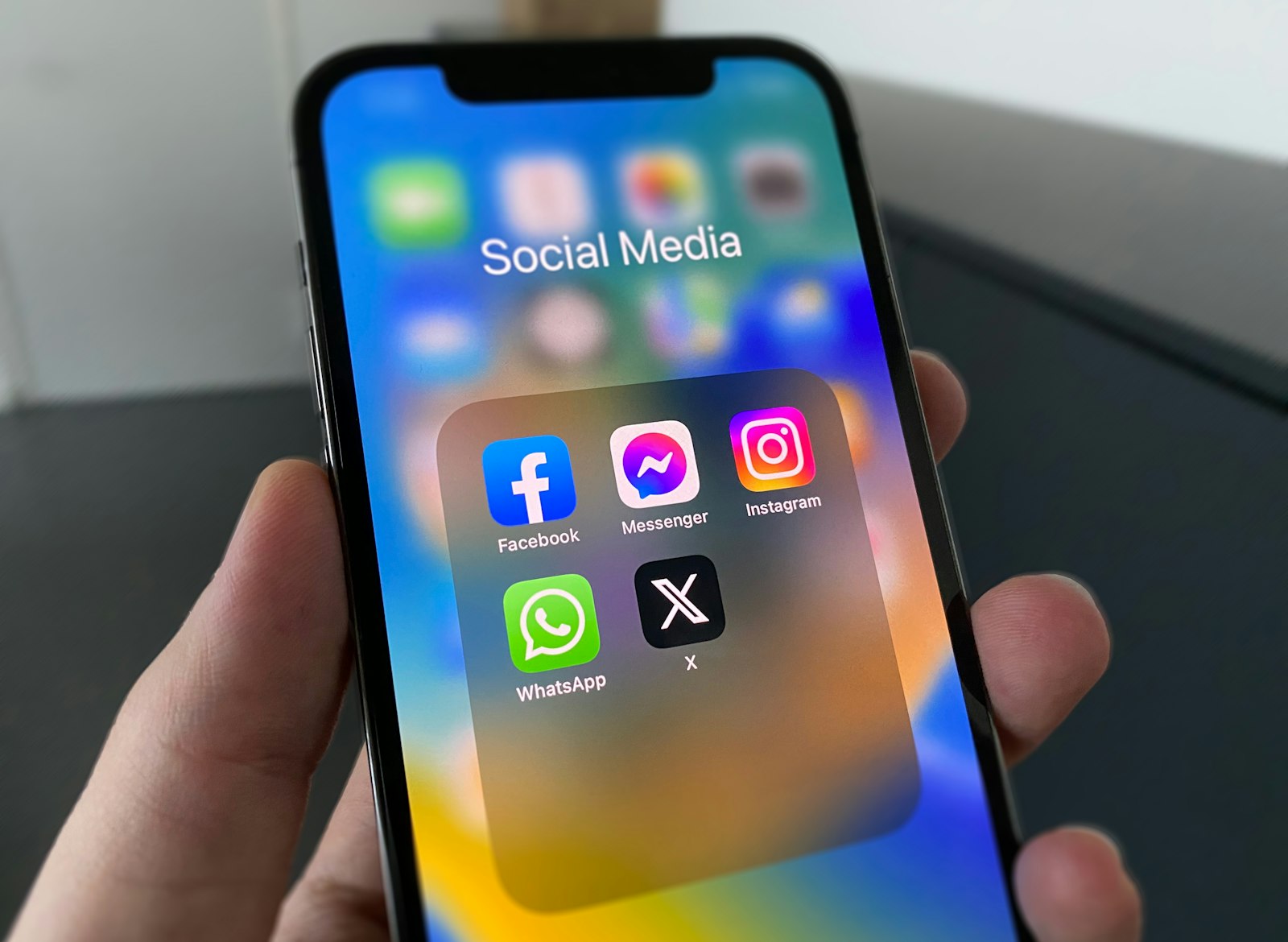
Your best leads are sitting in your comments right now. Someone typed "price?" under your last reel, you meant to DM them back, and then forty other notifications buried it. Instagram comment to dm automation fixes that gap: when a comment matches a keyword you choose, you reply publicly and send the right link straight to their DMs.
This guide walks through how it works, how to set it up, and how to keep every one of those leads in a single inbox instead of scattered across screenshots and sticky notes.
Why comments are your most underrated lead source
A comment is intent you can see. Someone took the time to type under your post, which means they are paying attention and asking for a next step. The problem is timing. Comments arrive in bursts, replies happen hours later, and the warmest leads cool off before anyone follows up.
Automating the comment-to-DM handoff closes that timing gap. The reply goes out in seconds, while the person is still on your post.
How comment to DM automation works
A comment-to-DM automation has three moving parts:
- A trigger. A new comment on a post or reel that contains a keyword you define, like "link", "price", or your own campaign phrase.
- A public reply. A short response so other people can see that you followed up.
- A private DM. The actual link, offer, or answer, delivered to their inbox where you can keep the conversation going.
The DM carries the useful next step. A private reply can deliver the relevant link and give your team a Conversation to continue.
Setting it up in Support Buddy
Support Buddy runs this as one Automation. Choose the trigger keyword, write the public response, and add the private reply with your link. Instagram, WhatsApp, and website Conversations remain in one inbox.
See the full trigger and action list on the features page, and check plans on the pricing page when you are ready to connect your account.
Keep the AI honest
The goal is to respond with a useful next step and route the Conversation when a person should reply. Support Buddy tags the Contact, records the automated response, and lets a Teammate take over when the question is not covered.
That is the difference between a bot that annoys people and a workflow that earns replies.
A simple setup checklist
- Choose one post and one keyword.
- Write a public reply that sounds like you, not a robot.
- Attach the DM with a single clear link or offer.
- Decide who picks up the Conversation when the lead replies.
- Watch the inbox for the first day and tune the wording.
Once one automation is converting, clone it for your next campaign. Each post gets its own keyword, and every reply still lands in one place.