
How to improve your WhatsApp auto reply
Set up a WhatsApp business auto reply that answers fast, qualifies real buyers, and hands off to a human cleanly, all from one shared inbox.
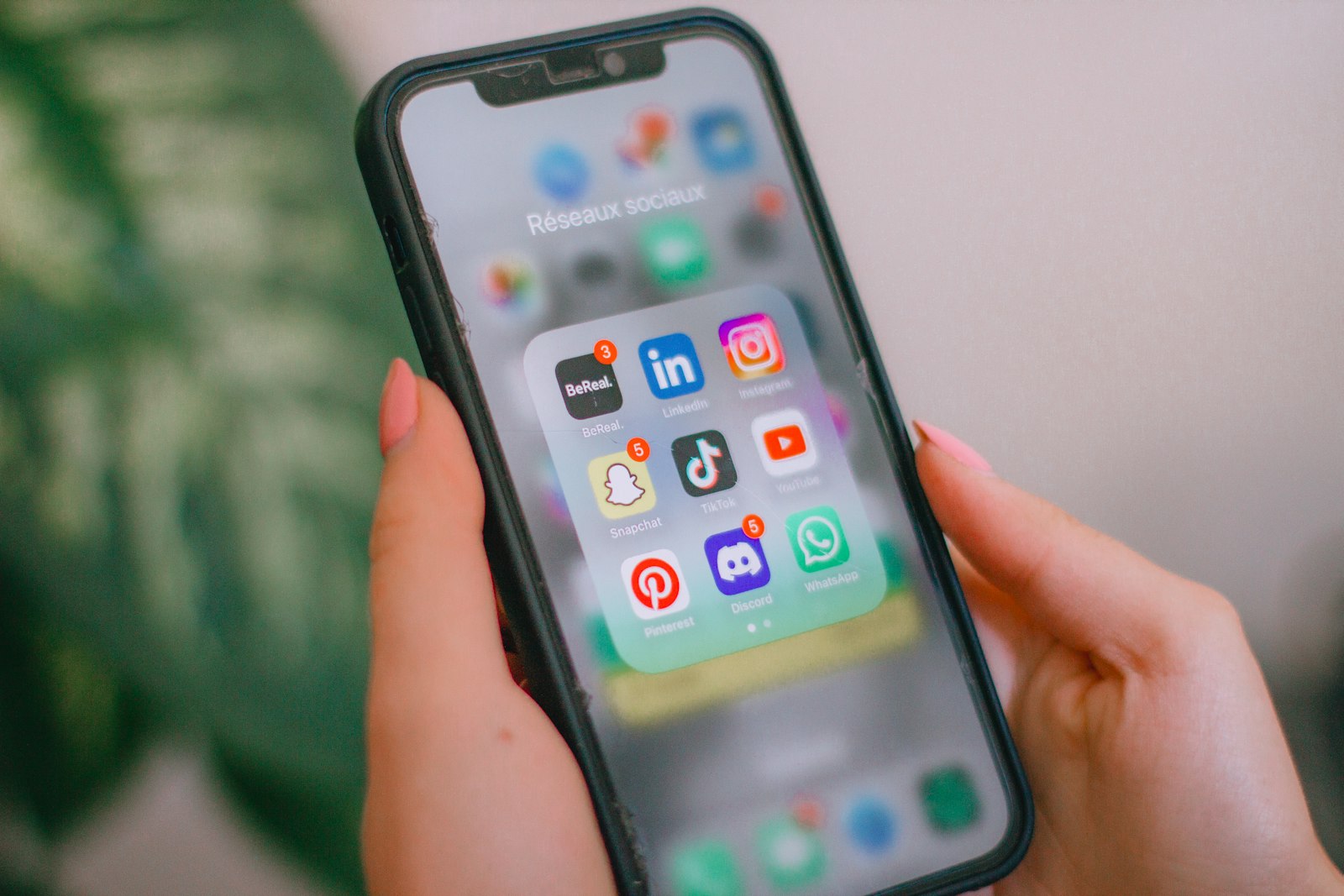
A whatsapp business auto reply is supposed to buy you time, not lose you customers. Most setups stop at an away message: "Thanks, we'll get back to you soon." That tells a buyer nothing and helps your team even less.
A good auto reply answers the common question, captures useful context, and routes the Conversation to a person when judgment is needed.
Start with the questions you answer every day
Before you automate anything, list the five questions you answer most on WhatsApp. Hours, pricing, shipping, availability, "do you have this in stock". These are the replies that should be instant.
Point your auto reply at those answers first. You will deflect most of the volume without anyone feeling like they hit a wall.
Qualify, don't just acknowledge
The biggest miss in most WhatsApp setups is treating every message the same. A "for business" qualifier in your first reply quietly filters personal-use clicks and surfaces the people worth your time.
Ask one useful question back. "Are you asking about a personal order or for your business?" routes the conversation before a human ever reads it.
Hand off before the customer gets frustrated
Automation has a ceiling. The moment someone asks something your script did not plan for, the reply should move to a person with full context, not restart the conversation.
Support Buddy keeps WhatsApp in the same inbox as your Instagram DMs and website chat, so a Teammate can take over without copying the history. You can see the full trigger and handoff options on the features page.
Keep it on a list you own
WhatsApp is rented ground. Use the auto reply to capture an email or tag the contact so you can reach them later, even if the channel changes. Every contact Support Buddy creates carries its history, tags, and channel, so your audience stays reachable.
Putting it together
- Automate the five questions you answer most.
- Add one qualifying question to filter personal-use clicks.
- Hand off to a human the moment the script runs out.
- Tag and capture so the lead stays reachable.
When you are ready to connect WhatsApp and see plans, the pricing page has everything in one place.